
FocusFlow Browser
The work happens in the browser. So does the distraction. FocusFlow puts the timer, the task list and the blocklist next to the tabs instead of in a second program.
What it does
It is a real browser first: Chromium underneath, tabs, an address bar with search, back and forward — plus split and quad views for pages you need side by side. A hosts-based ad blocker is built in.
The rest lives in the sidebar: a Pomodoro timer with configurable work and break lengths, a task list that separates Must Do from Can Do and tracks the time spent on each, a day planner with a morning routine, a notepad, and quick links — permanent ones, general ones, and ones tied to a particular task. Two ambient audio modes come with it.
Distraction Free Mode keeps its own list of domains and toggles with one click; a blocked page shows a reminder instead of the site. The AI chat is optional and ships with no provider configured: you enter the endpoint, key, model and system prompt yourself, and any OpenAI-compatible API fits.
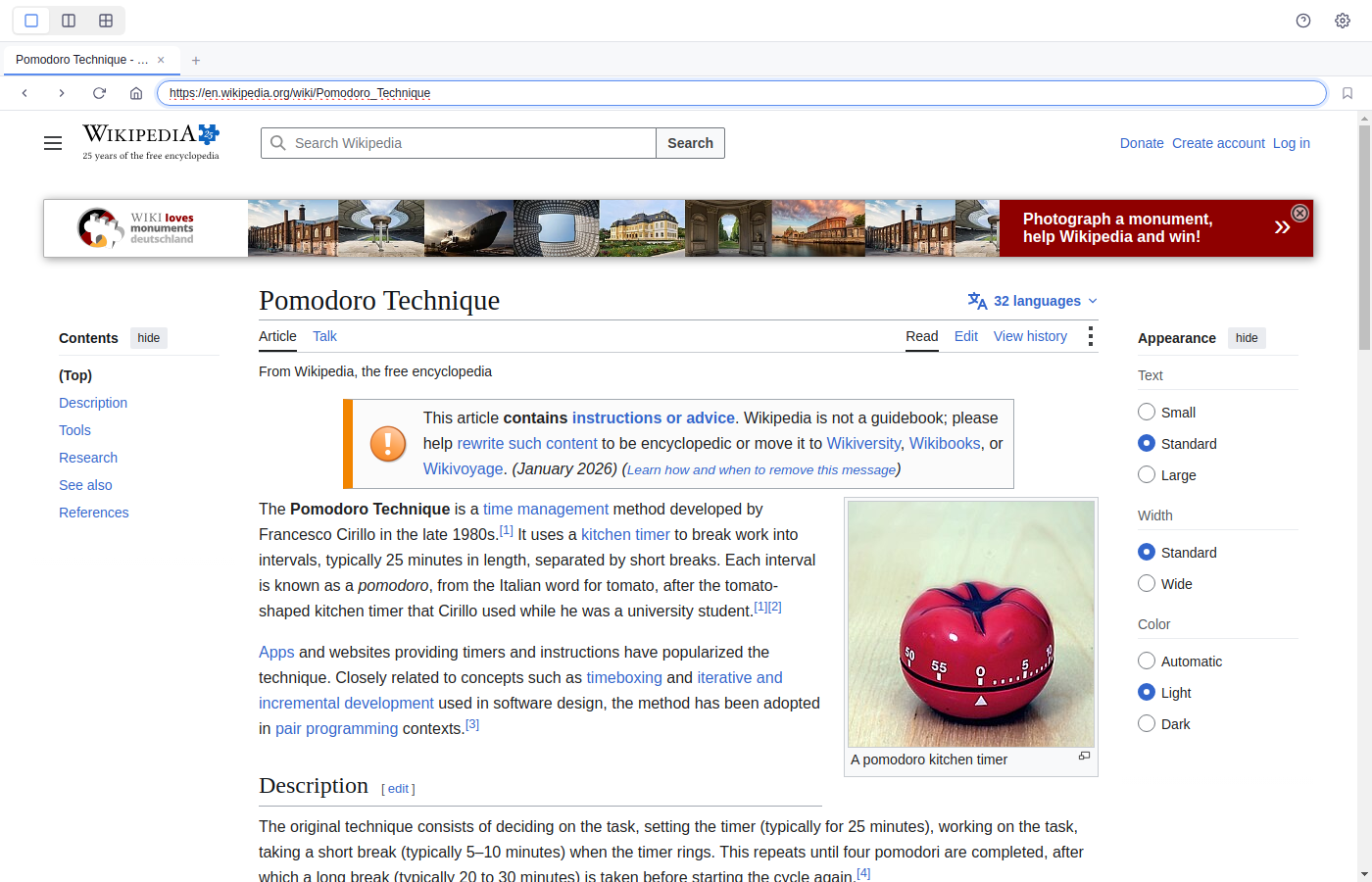
The browser window with a Wikipedia page open. The three buttons at the top left switch between one, two and four panes; the tab strip and address bar sit below them.
What you get out of it
- Timer, tasks and blocklist in the same window as the tabs.
- Must Do and Can Do kept apart, with time tracked per task.
- A distraction blocker with your own list, one click on and off.
- Ad blocker built in, no extension needed.
- AI chat against your own endpoint — you choose the key and the model.
- Single, split and quad view for working across several pages.
What people use it for
The afternoon falls apart
Timer on, blocklist on, three entries under Must Do — the program holds the frame, not willpower alone.
Research across many sources
Split or quad view, with links attached to the task they belong to.
Giving the day a shape
Morning routine, day plan, time blocks — and by evening the task list says where the time went.
Requirements
- PlatformWindows, macOS, Linux
- RuntimeElectron · Chromium
- CategoryProductivity