
Muse 2 Mind Game
No controller, no keyboard. The game reads the EEG from your Muse 2 headset, and the calmer and more collected you are, the further the rock moves.
What it does
Muse 2 Mind Game connects to a Muse 2 headset through BlueMuse and reads its EEG signal. That reading is the game's only input: there is nothing to press.
On screen a rock sits in a quiet landscape under a sky that moves through the day. Concentration moves the rock. Distraction lets it fall back. That is the whole mechanic, and deliberately so: anything more complicated would pull attention away from the state the game is about.
That makes it closer to a biofeedback tool than to a game. You can see immediately whether you are calm — and learn from that, faster than from any instruction, what the state that works actually feels like.
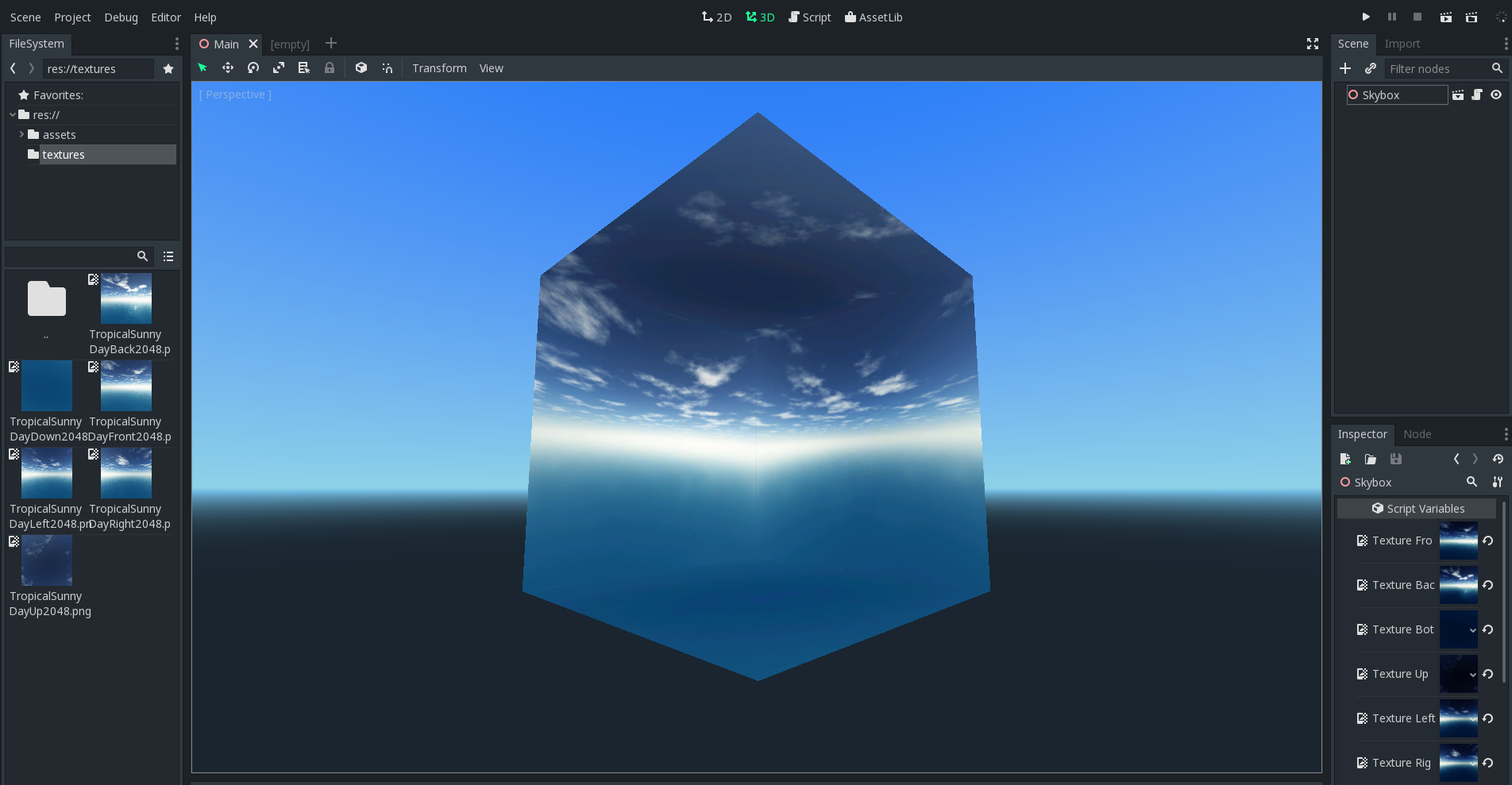
The rock in the game landscape, under the Muse 2 Mind Game sky.
What you get out of it
- Direct biofeedback: you see at once what your state is doing.
- No input devices, no buttons, nothing to learn.
- A quiet setting with no score and no time pressure.
- Uses the Muse 2 headset you may already own for meditation.
- Short sessions — five minutes is a full round.
- Runs locally; the EEG data never leaves the machine.
What people use it for
Meditation with feedback
If you meditate and never know whether it is 'working', here is an answer.
Practising concentration
A short exercise that measures rather than guesses.
Curiosity about EEG
If you own a Muse 2, this is the first time you see what the signal actually does.
Requirements
- PlatformWindows
- RuntimeGodot 3 · Muse 2 Headset · BlueMuse
- CategoryPsychology